
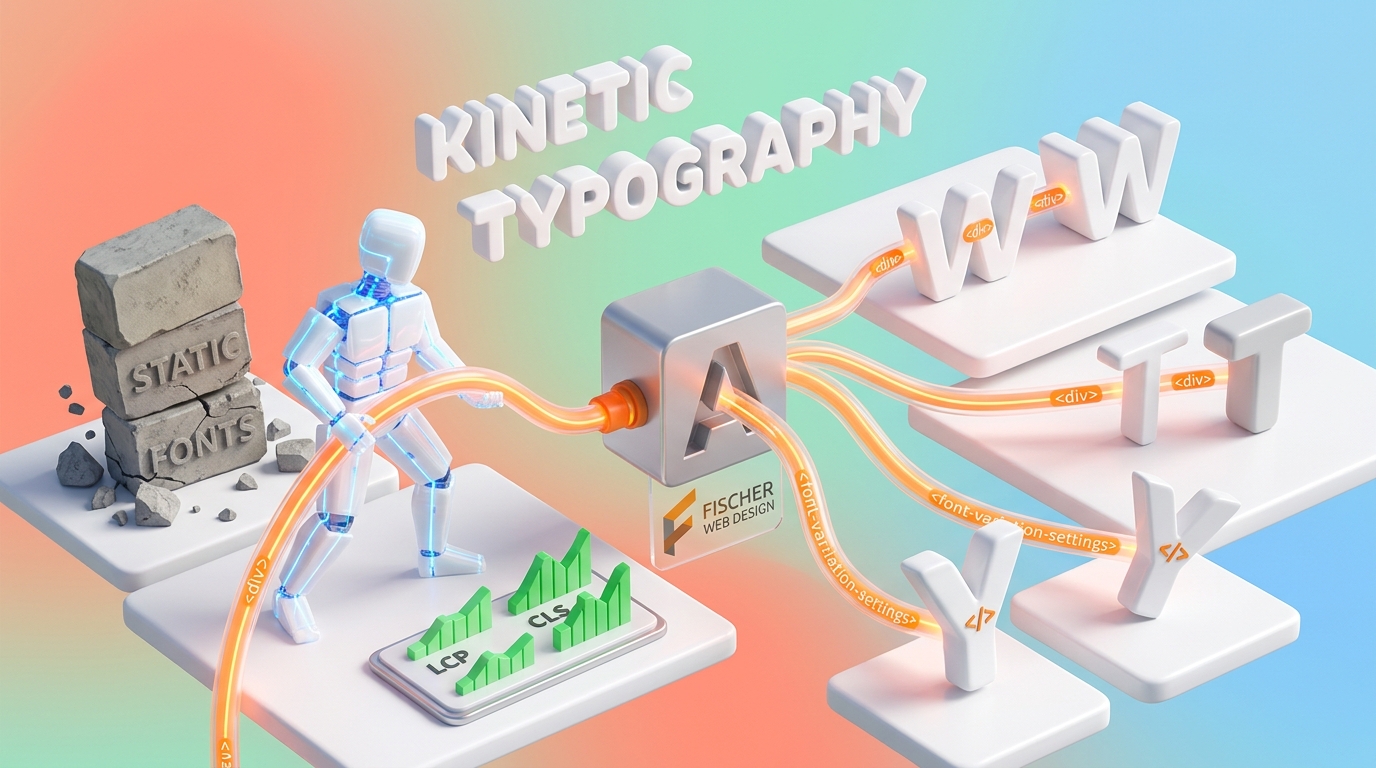
For decades, digital typography was bound by a frustrating architectural trade-off: expressiveness versus performance.
If a web designer wanted to build a visually rich site with distinct typographic hierarchy, they had to force visitors’ browsers to download six, eight, or even ten separate font files—Light, Regular, Medium, Bold, Extra Bold, and their corresponding Italics. Each additional file added extra HTTP requests and megabytes of bloat, slowing down mobile page loads and degrading Core Web Vitals.
To avoid this “font tax,” many sites settled for rigid, static typography that felt lifeless and monochrome.
Today, modern web architecture has solved this dilemma through Variable Fonts & Kinetic Design. By combining a single hyper-efficient font file with subtle scroll and hover micro-interactions, web architects can create fluid, engaging visual experiences without sacrificing a single millisecond of load speed.
1. What Are Variable Fonts? (Performance Meets Expression)
Traditional digital fonts act like static photographs—each style (Bold, Light, Italic) is a separate, fixed file.
OpenType Variable Fonts, by contrast, operate like a continuous spectrum within a single file. Contained within one lightweight asset are continuous “variation axes” that allow you to fluidly adjust typography along multiple dimensions:
- Weight (
wght): Seamlessly transitioning from 100 (Thin) to 900 (Black). - Width (
wdth): Condensing or expanding letterforms to fit screen breakpoints. - Slant (
slnt) & Italic (ital): Fine-tuning character angles dynamically. - Optical Size (
opsz): Automatically adjusting stroke contrast and proportions for maximum legibility on small mobile displays vs. large desktop displays.
The Technical Impact on Core Web Vitals
Replacing a family of static font files with a single variable font file typically reduces your total typographic payload by 50% to 70%.
Furthermore, because font weights and widths adapt smoothly via CSS without triggering layout recalculations, variable fonts eliminate sudden text jumps, protecting your site’s Cumulative Layout Shift (CLS) score and accelerating Largest Contentful Paint (LCP).
2. Kinetic Design: Directing Focus and Boosting Engagement
Typography isn’t just meant to be read—it’s meant to guide the reader’s eye.
When text responds subtly to user behavior, it transforms a passive reading experience into an interactive dialogue. However, there is a critical distinction between meaningless visual gimmicks and intentional kinetic direction:
- Interactive Scroll Triggers: As a visitor scrolls down your page, key headlines can subtly shift in weight or width, drawing immediate focus to important value statements.
- Responsive Hover States: Interactive elements—such as pricing tables, feature callouts, or navigation items—can expand or bold on cursor focus, providing tactile feedback that signals clickability.
- Guiding Conversion Pathways: Utilizing subtle typographic motion draws the eye directly toward primary action triggers, such as call-to-action buttons, contact links, and key client metrics.
By animating typography rather than loading heavy video backgrounds or third-party animation libraries, your site maintains a clean, modern aesthetic while remaining extraordinarily fast.
3. Engineering Kinetic Type in a Sovereign Stack
At Fischer Web Design, we build kinetic typography directly into our clean, custom theme architecture without relying on bulky external JavaScript libraries.
- GPU-Accelerated CSS: We manipulate font variation axes using native CSS Custom Properties and
font-variation-settings. This offloads rendering to the GPU, ensuring buttery-smooth 60fps transitions without dropping frames on mobile devices. - Respecting
prefers-reduced-motion: Accessibility is non-negotiable. For users with motion sensitivities or vestibular conditions who have enabled reduced-motion settings in their OS, our CSS automatically falls back to crisp, static typographic variants. - Uncompromising WCAG 2.1 AA Compliance: Dynamic weight shifts are carefully calibrated so that text never loses required contrast ratios against its background, ensuring full legibility for all users and screen readers.
4. Strategic Application: Where Motion Belongs
Kinetic typography should be applied strategically to highlight your site’s key value drivers:
- Hero Sections: Give primary brand statements instant authority with subtle weight transitions that settle as the page loads.
- Bento Grid Modules: Elevate stats, live counters, and client testimonials with dynamic weight adjustments that highlight key data points.
- Call-to-Action Buttons: Build interactive CTAs where the text responsive weight adjusts on hover or tap, encouraging direct lead conversion.
The Bottom Line
You no longer have to choose between a fast website and a visually stunning one.
Variable fonts and kinetic typography allow you to break free from static, boring text layouts, delivering a modern, interactive experience that loads in sub-seconds and turns casual visitors into high-intent leads.
Ready to Elevate Your Web Architecture?
At Fischer Web Design, we craft high-performance, open-source web solutions engineered for sub-second page speeds, uncompromising design, and total code ownership.
Call us directly at (810) 247-6340 or email fischerwebdev@gmail.com to start building your custom web stack today.
Leave a Reply